
Introducing Analytics & Reports for Teamwork.com
Apr 16, 2026
We are happy to inform you that we now support Teamwork.com in our analytics. You can import Teamwork data sources and use them in your Screenful charts and reports. Learn more at screenful.com/teamwork.
Contents:
Create custom charts using data from Teamwork
Slice and dice your data with 15 chart types. Create advanced charts and track metrics by any of your custom fields. Learn more about the 15 chart types
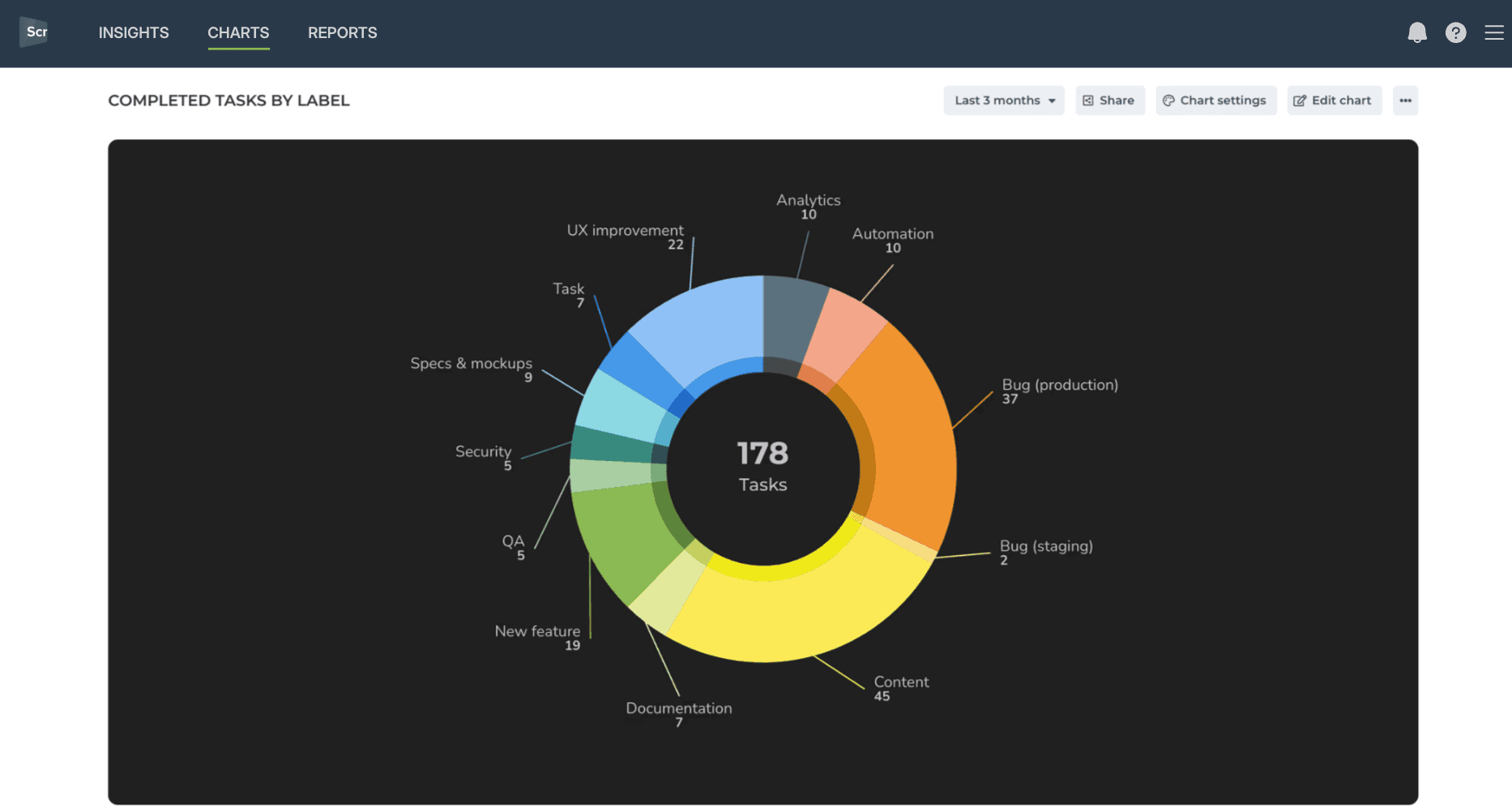
You can also track Advanced metrics not available in Teamwork's native reporting. All metrics mentioned in this guide are available in all Screenful pricing tiers.
Schedule automated reports
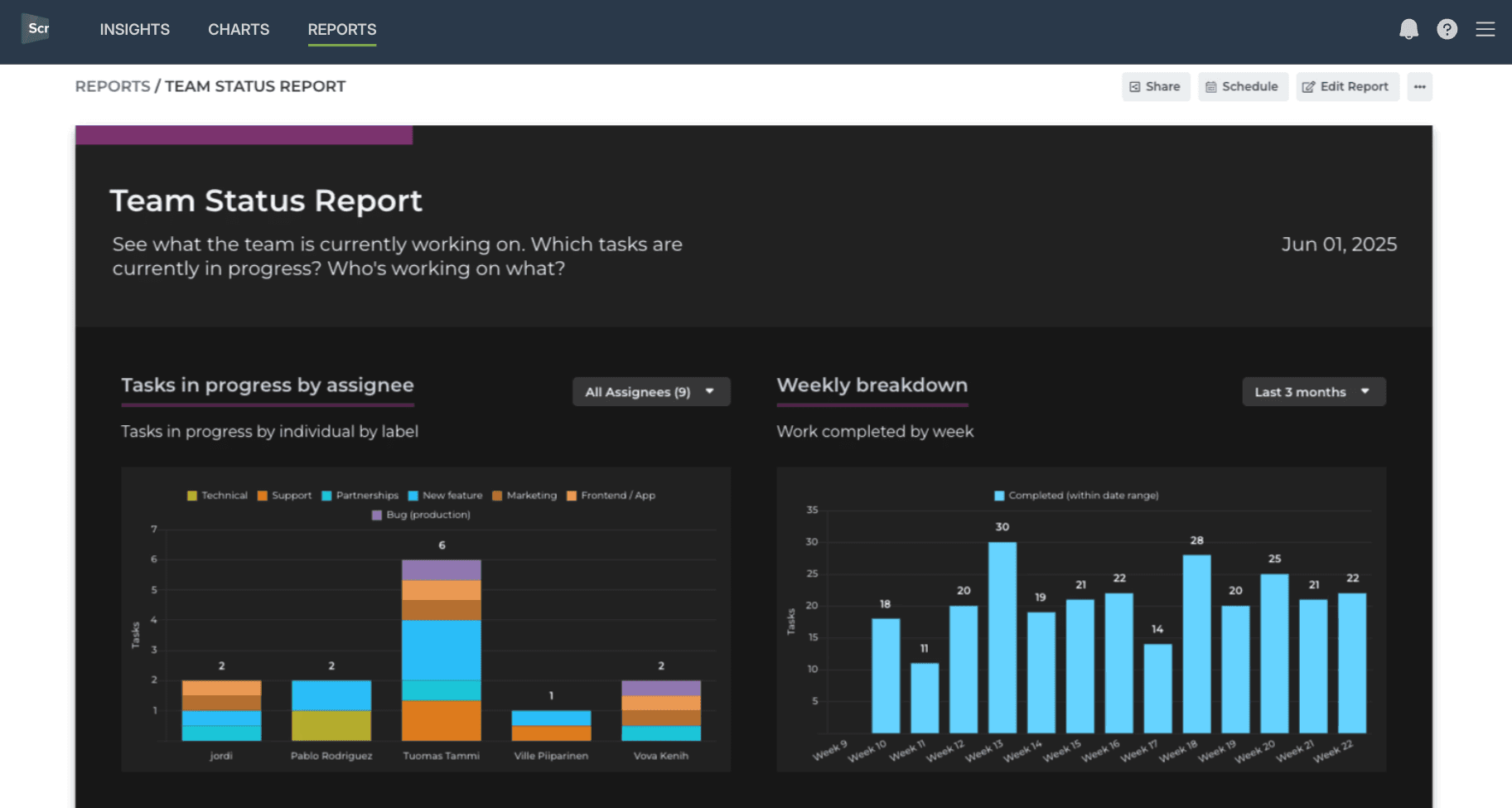
Combine charts into reports. Share with a link or schedule reports to be sent via email or Slack.
Schedule reports to selected recipients:
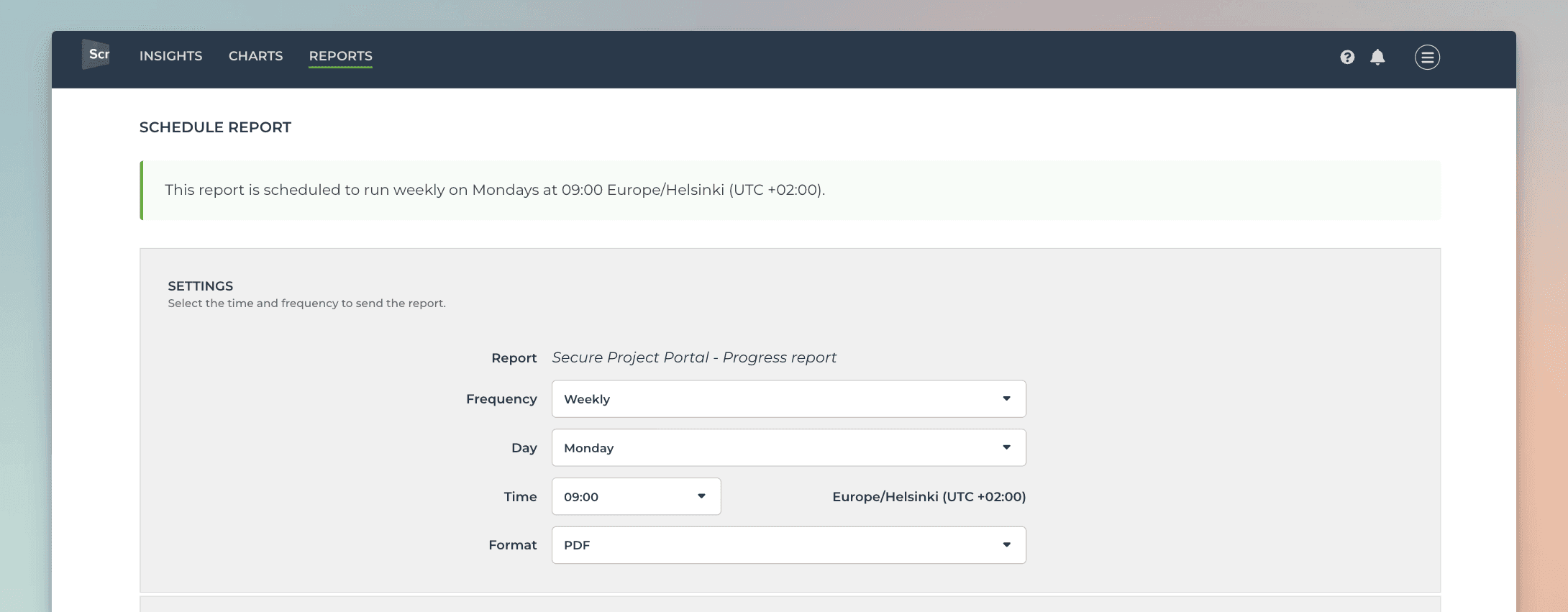
Once the schedule is saved, the report will be emailed to the selected recipients according to the set schedule. The message contains a link to the live report online, and the PDF export as an attachment.
Meet the AI assistant
You can toggle on/off the AI assistant by clicking the icon on the top bar:
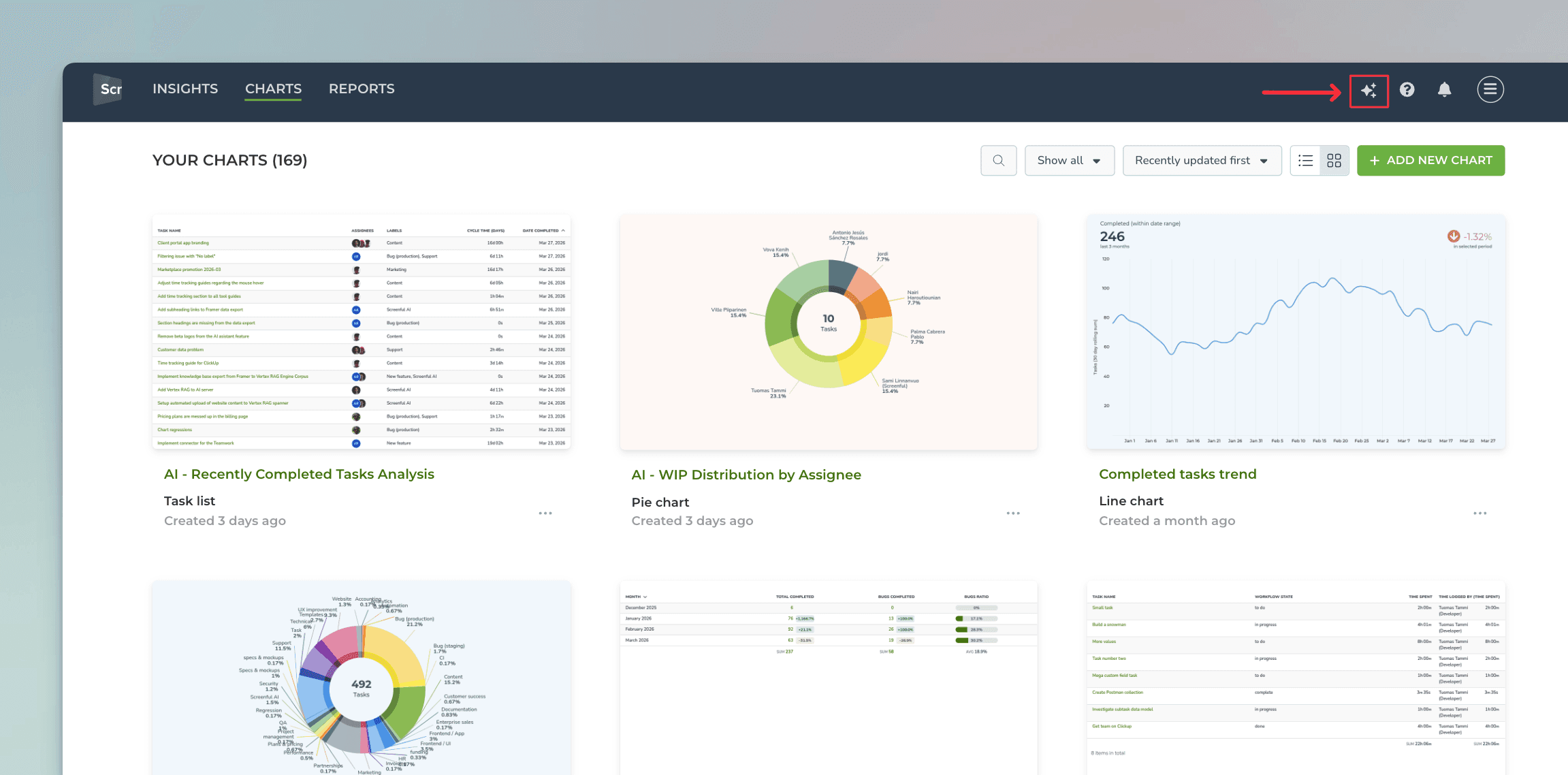
Clicking the icon opens the AI asistant in the the right side of the UI:
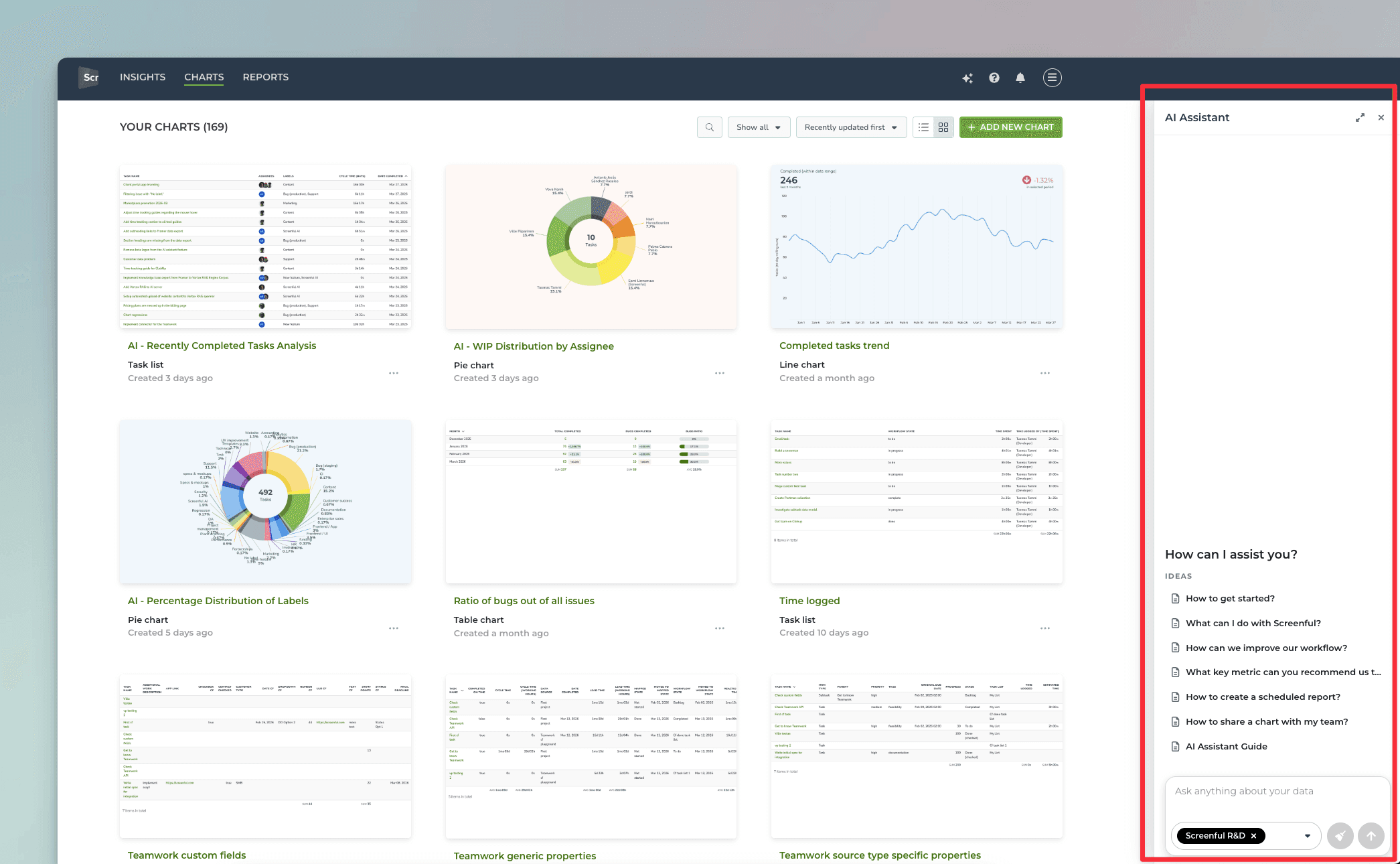
You can open the AI assistant at any time by clicking the icon on the top bar. You can also close the AI assistant from the same icon. When you reopen, you can continue the chat where you left it.
You can create a chart by describing it in natural language (any language). You can ask questions like
"Show me task completed this month grouped by label"
"Compare weekly sales numbers in the last 3 months"
"How long does it take for our team to complete a task on average?"
The assistant adjusts the chart according to your request. You can always undo the latest change and try again with a different prompt.
At any time, you can open the chart for editing by clicking Edit below the chart. With the editor, you can change the unit, select metric, set filters, and grouping, and adjust the date range.
Clicking Save below the chart saves it, and you can find it in the Charts tab.
Learn more about the Screenful AI assistant.
Integrating Screenful with Teamwork.com
To create a data source using data from Teamwork, select Add new data source from the main menu. Then select Teamwork from the available options:
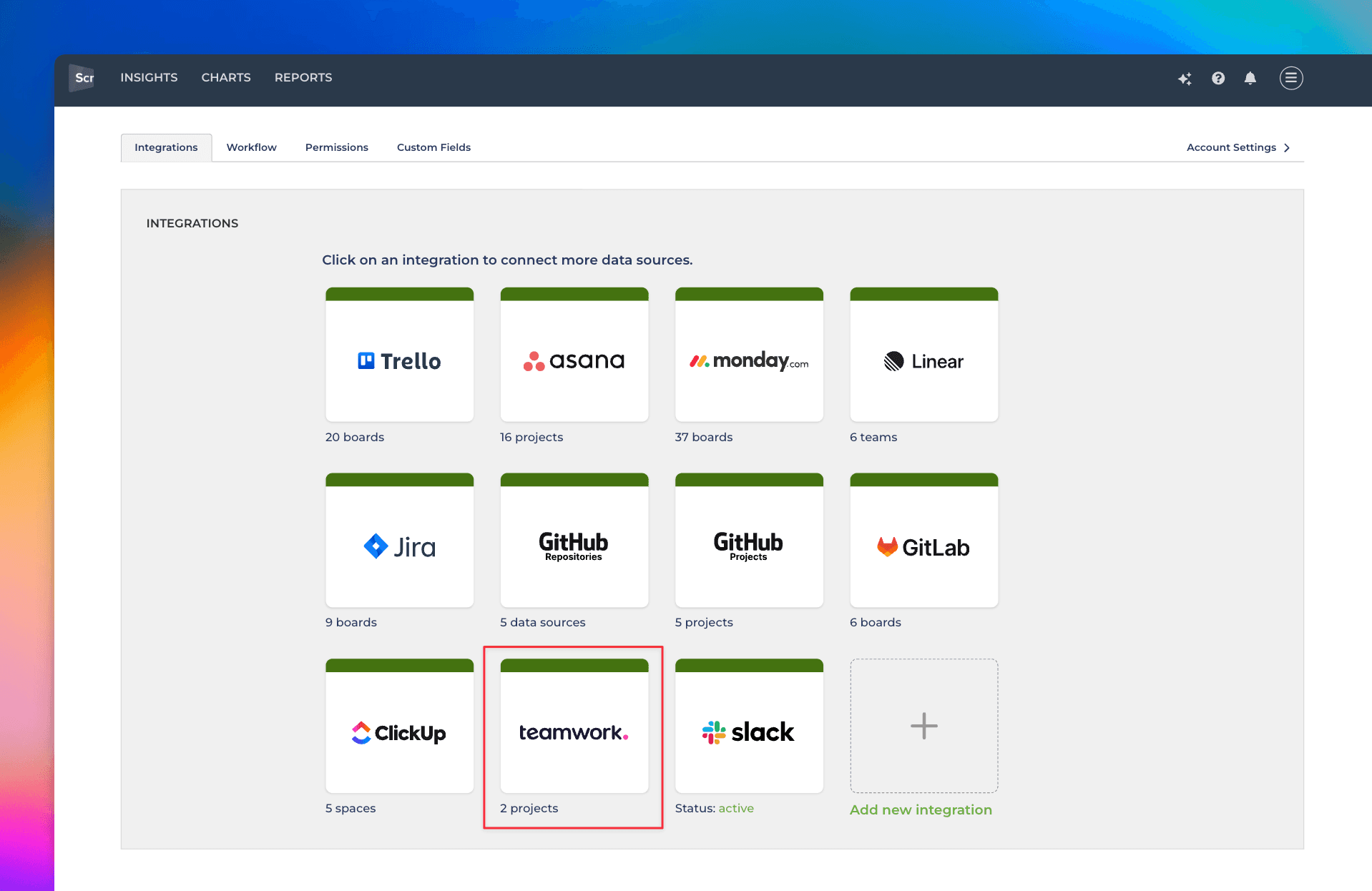
Once you have authorized access to the Teamwork API, you’ll be shown a list of projects in your account.
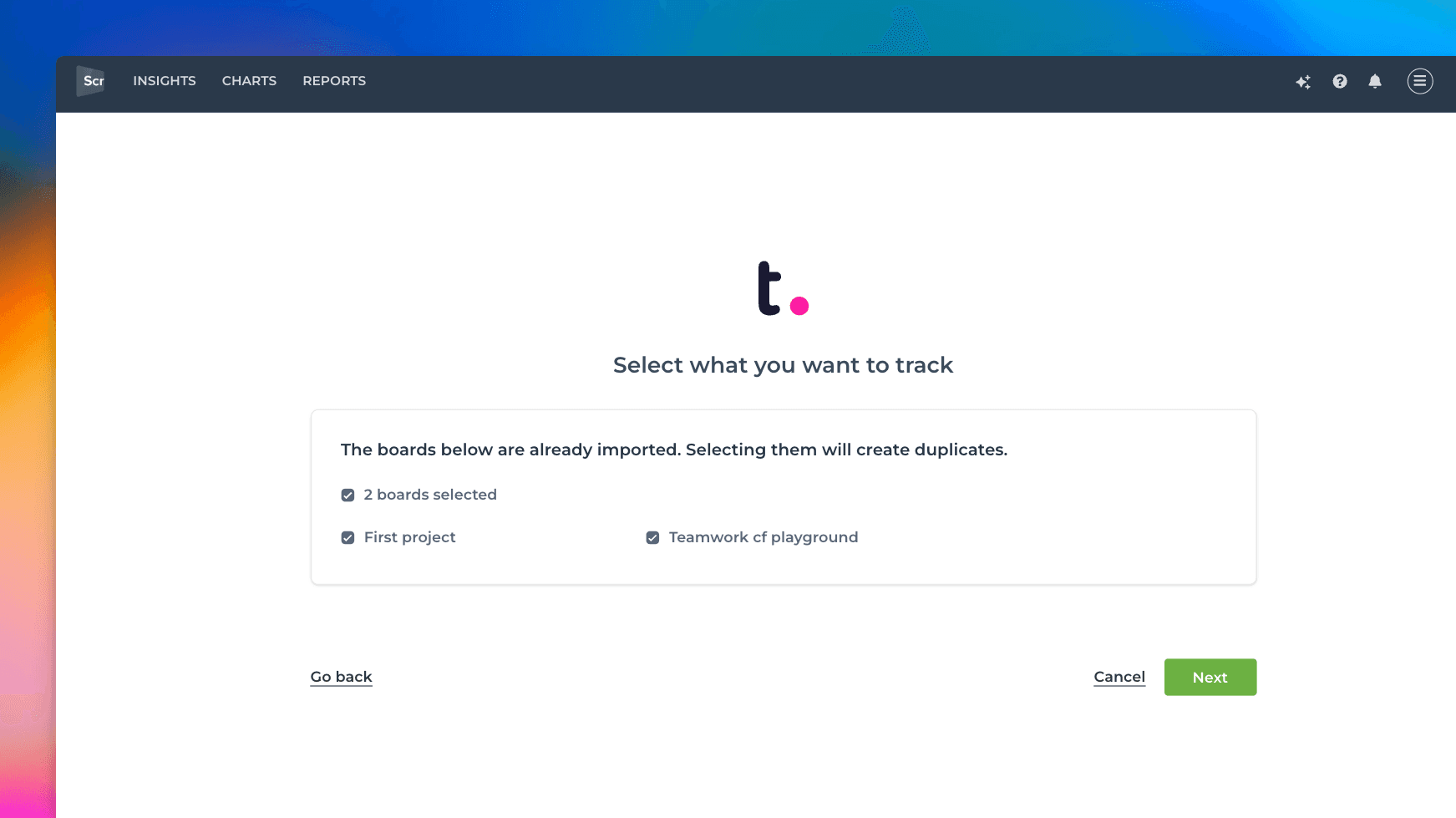
You can import one or more projects from the list. You can add more data sources later. Learn more about managing data sources.
About Screenful
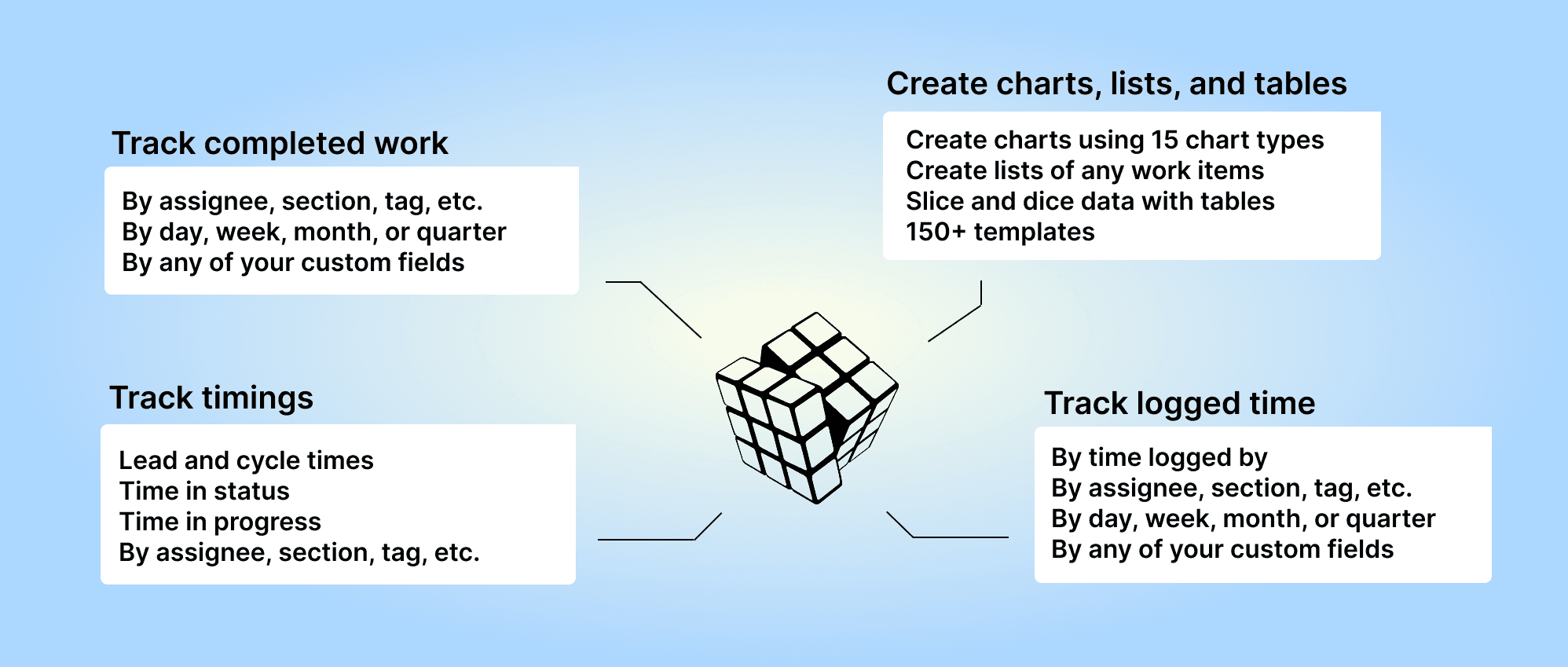
Screenful provides multidimensional analytics of the data in Teamwork. You can slice & dice your data with 15 different chart types, and click through to drill into details.
Let us know if you have questions or feedback by contacting hello@screenful.com. To stay on the loop, read our blog, or follow us on LinkedIn.