Bar chart
The Bar chart is a graph that shows one bar per grouped item (assignee, label, project, etc.). You can use any of your number fields as the unit in the chart.

Segment your data with a bar chart
The Bar chart is a graph that shows one bar per grouped item (assignee, label, project, etc.). You can use any of your number fields as the unit in the chart.

Click through to see details
The Chart click-through lets you see the tasks behind any chart data point. When you click on the number, a window opens showing the task list that makes up that number.
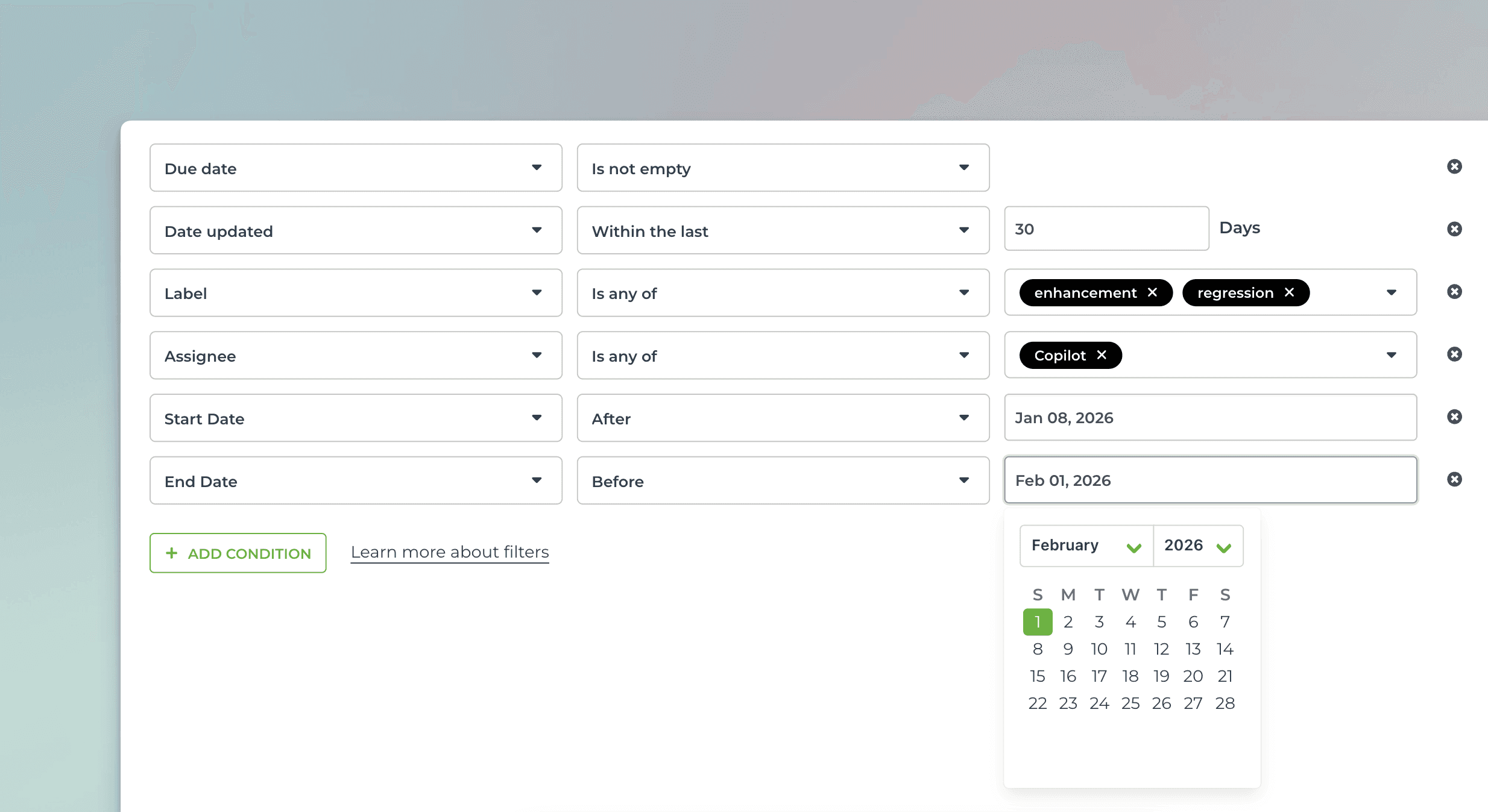
Use advanced filters to select the items for the chart
You can filter by any property, such as task type (bug, user story, new feature), assignee, label, or epic.
You can set comparison filters by any of your number fields or date fields, or filter by keywords with an exact or partial match.
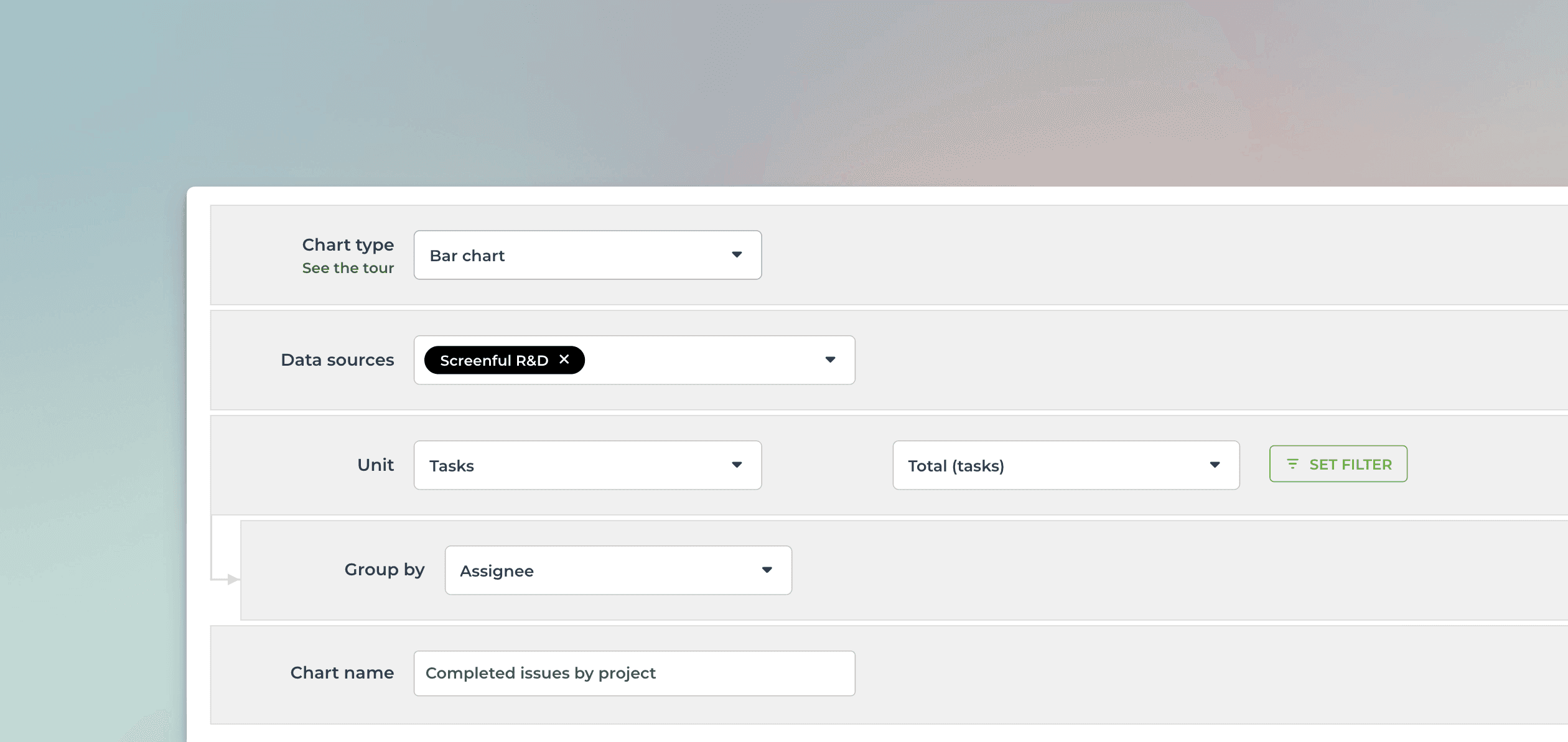
Create from template and customize
You can create this chart with just a few clicks using a template. Customize it to your liking with the chart editor.
Use data from any of your custom fields
Rename labels to your liking
Set the format of the numbers (currency, number format)
Select light mode or dark mode
Export to CSV or JSON