Introducing advanced filters. Filter by number, date, keyword, and more!
Dec 30, 2025
In this last release of the year, we wanted to showcase the recent improvements to our filters, enabled by our new analytics engine. You can now filter by any of your number fields, date fields, or text fields. You can also filter by item name with exact or partial match.
Read on to learn more about the new filtering capabilities!
Contents:
Filtering by number fields
You can filter charts by any of your number fields. You can find them in the filter options, and you can do comparisons such as is greater than or is less than:

You can also filter by exact match using is equal to or is not equal to:

You can also filter by which items have a value or do not have a value by selecting is empty or is not empty:
Filtering by keywords
You can filter by partial text match using contains or doesn't contain. You can type the phrase in the filter window. It will be matched against the selected field, such as label:

Selecting Label Contains "Bug", filters all the items that have the characters "Bug" as part of the label name. That would include labels susch as "Bug production" and "Bug staging".
Filtering by task name
You can filter by the name of the item (issue/task/story, etc.) by selecting Item name from the filter menu.

You can enter the full name of the item, or use a substring of the name to include or exclude specific items from the set.
Filtering by date fields
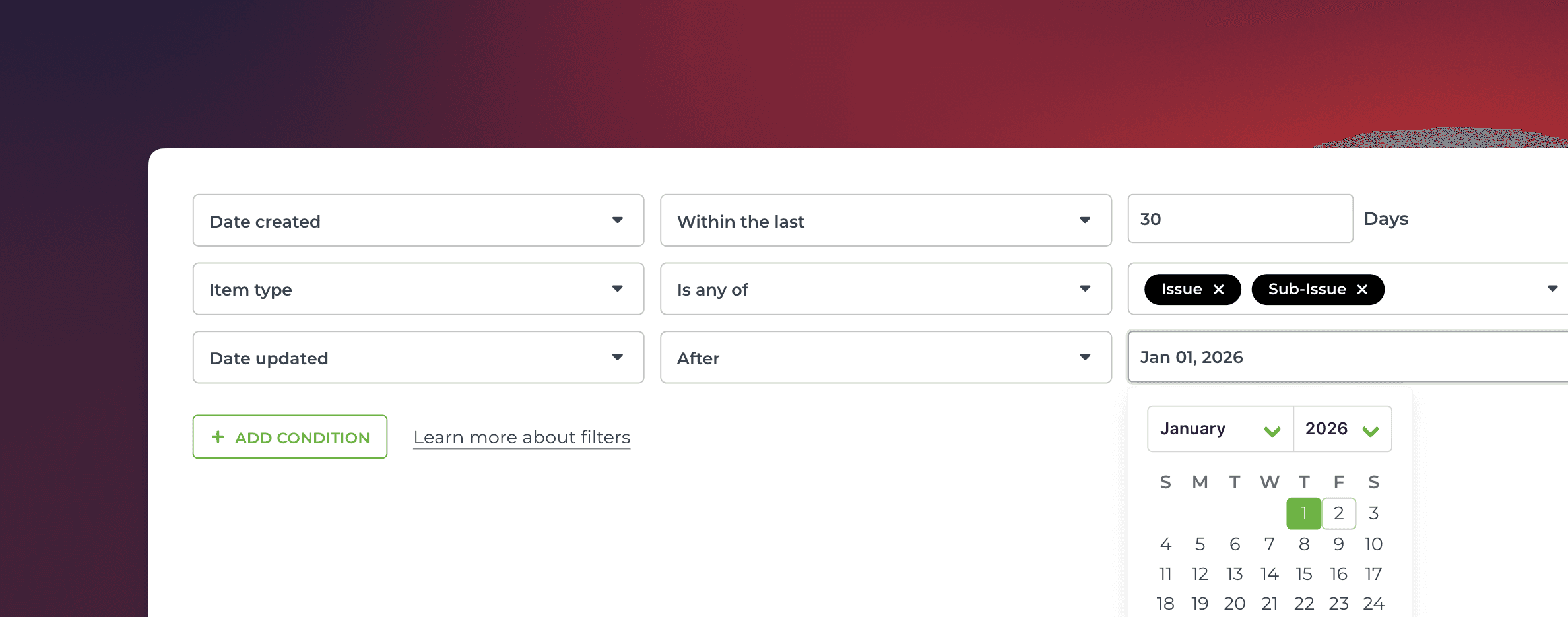
You can filter a chart by any of your date fields. When you select a date field in the filter, you can select within the last, not within the last, within the next or not within the next and enter the number of days:

In the above example, the filter will include items items with Date created within the last 10 days.
Alternatively, you can select before or after, and use the date picker to select the date:
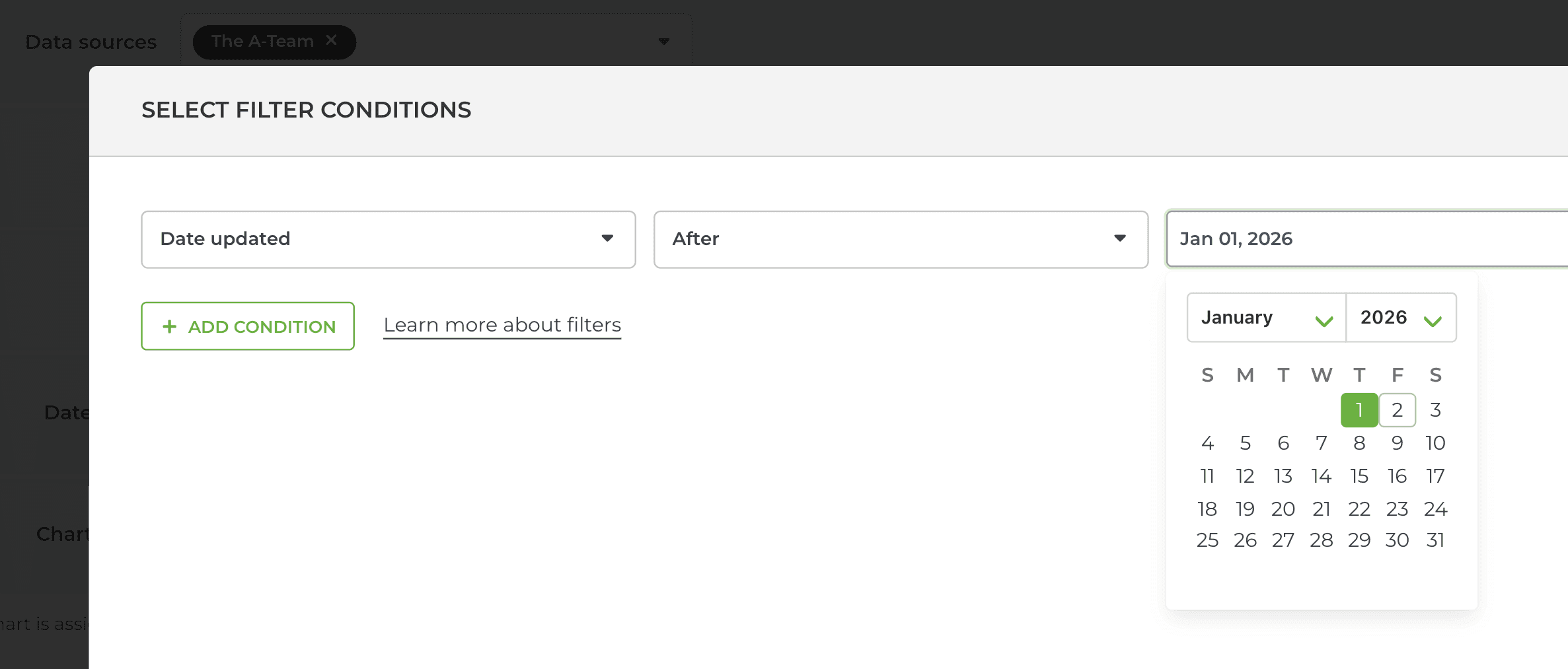
That will select all items with Date updated after the selected date. You use any of your date fields in the filter, including any of your custom date fields.
Advanced filters are available for all our integrations (Jira, Trello, monday.com, Asana, Linear, GitHub, GitLab). Here's the complete filtering guide with all the latest filters included.
Let us know if you have questions or feedback by contacting hello@screenful.com. To stay on the loop, read our blog, or follow us on LinkedIn.